
How to Play Minecraft With Friends: LAN, Realms, Servers and Split Screen
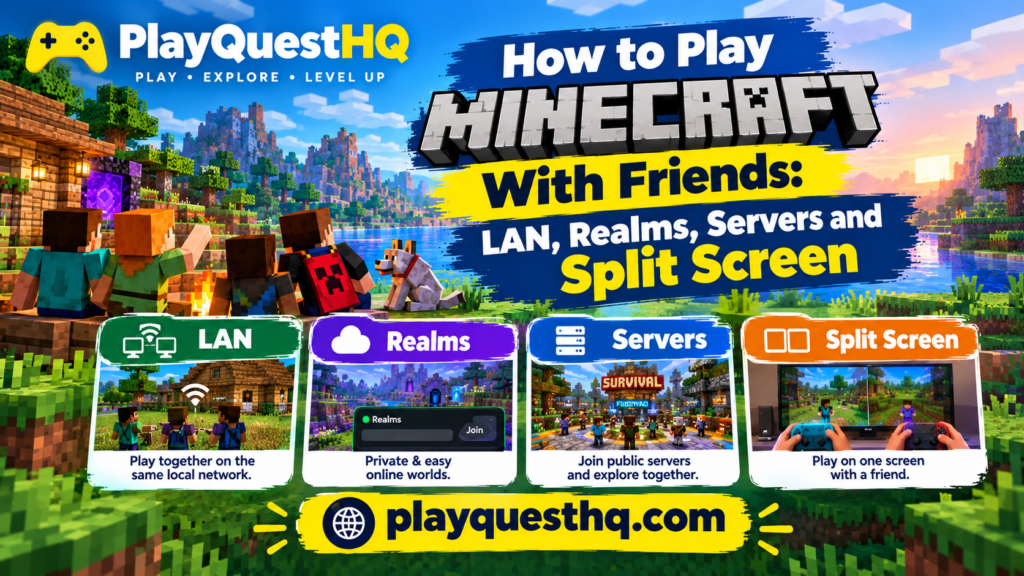
Minecraft is more fun with friends, but the right way to play together depends on your edition and where your friends are. This guide covers every option: playing on the same Wi-Fi, joining a friend over the internet, renting a Realm, using a server and split screen on one TV. Before you start, check that everyone has the same edition, because Java and Bedrock players cannot join each other. Our Minecraft guide explains Java vs Bedrock and which devices support crossplay.
Quick Comparison
- Open to LAN: free, same home network only, and the world closes when the host leaves.
- Join a friend (Bedrock): free, works over the internet while the host is playing.
- Realms: paid monthly, always online, run by Mojang, up to 10 friends online at the same time.
- Your own server or a rented one: free or paid, always online, no fixed player cap, takes more setup.
- Split screen: free, up to 4 players on one console and one TV.
Option 1: Open to LAN (Same Wi-Fi)
LAN is the easiest choice when everyone is in the same house.
Java Edition
- The host loads a world and presses Esc.
- Choose Open to LAN, pick the game mode and whether commands are allowed.
- Click Start LAN World.
- Friends on the same network open Multiplayer, and the world appears at the bottom of the list.
Bedrock Edition
- In the world settings, under Multiplayer, make sure Visible to LAN Players is on.
- Friends on the same network open Play, go to the Friends tab and join the world listed under LAN games.
LAN worlds only exist while the host is playing. When the host quits, everyone is disconnected.
Option 2: Join a Friend Over the Internet (Bedrock)
Bedrock players can join each other across Xbox, PlayStation, Switch, Windows, phones and tablets.
- Everyone signs in with a free Microsoft account.
- Add each other as friends using your Xbox gamertags (in Minecraft, use Add Friend on the Friends tab).
- The host opens a world with Multiplayer Game turned on.
- Friends see the world under Joinable Friends and join from there.
Consoles may need their own online membership for internet play, so check the rules for your console before inviting friends.
Option 3: Minecraft Realms
A Realm is a private world hosted by Mojang that stays online even when you are not playing. The owner pays, friends join for free, and up to 10 friends can be online at the same time.
- Java Realms: about $7.99 a month in the United States. Java players only.
- Bedrock Realms: a basic plan of about $3.99 a month, and Realms Plus at about $7.99 a month, which adds a rotating catalog of Marketplace maps, skins and packs.
Prices are what the official store showed at the time of writing and can change by country, so check the price in the game before you subscribe. Realms do not support mods or plugins.
Option 4: Servers
A server is a world that runs on its own computer or on a hosting company’s machine.
- Join a public server: on Java, open Multiplayer, click Add Server and paste the address. On Bedrock, featured servers are listed in the Servers tab.
- Run your own: Mojang offers a free official server download for Java and Bedrock. It is best for players who are comfortable with port forwarding and leaving a computer on.
- Rent a server: hosting companies charge a monthly fee and handle the hardware. This is the usual choice for modded Java worlds.
Turn on the whitelist on your own server so only people you invite can join, and make sure every player uses the same game version as the server.
Option 5: Split Screen on One TV
Bedrock on Xbox, PlayStation and Nintendo Switch supports split screen for up to 4 players. Connect extra controllers, press the start or menu button on each one and sign in a profile for each player. Split screen is not available on PC or phones.
Staying Safe When Playing Online
- Play with people you know, or on servers with clear rules and active moderators.
- Use a whitelist or invite only Realms for younger players.
- Never share your Microsoft account password, even with friends.
- Parents can manage who a child can talk to and play with through the Xbox Family Settings app.
Want something to play together while you set it up? Our first night guide is a good plan for a brand new shared world.
Frequently Asked Questions
Can Java and Bedrock players play together?
Not in the normal game. Java players can only join Java worlds and servers, and Bedrock players can only join Bedrock ones.
Do my friends need to own Minecraft to join my Realm?
Yes. Each player needs their own copy of the matching edition. Only the Realm owner pays the Realms subscription.
Why can my friend not see my LAN world?
Make sure you are both on the same network and the same edition and version, and that a firewall is not blocking Minecraft on the host computer.
How many people can play on a Realm?
Up to 10 friends can be online at the same time on a Realm.
Last updated: October 18, 2026
Leave a Reply